NeverLost™ Smart Pencil
Couldn't load pickup availability
SHIPPING & RETURNS
SHIPPING & RETURNS
We Ship Fast. We Return Easy.We know you’re excited to get your order. Most packages are processed within 24 hours and delivered right to your door with full tracking. Not the perfect fit? Don’t sweat it. We offer a seamless 30-day return policy. Send it back, and we’ll handle the refund or exchange immediately. Your satisfaction is the only thing that matters to us
30-DAY MONEY BACK GUARANTEE
Try it Risk-Free. We stand behind the quality of our products. If you aren't 100% satisfied with your purchase within the first 30 days, we’ll give you your money back. No hoops to jump through, no hidden fees, just a straightforward guarantee because we believe you’ll love what we’ve built.
Write, sketch, and tap through your iPad without losing your flow
Made for students, creators, and everyday iPad users who want smooth digital writing with palm rejection, shortcut control, and a magnetic design that stays ready.
Smart Pencil vs. Old Stylus
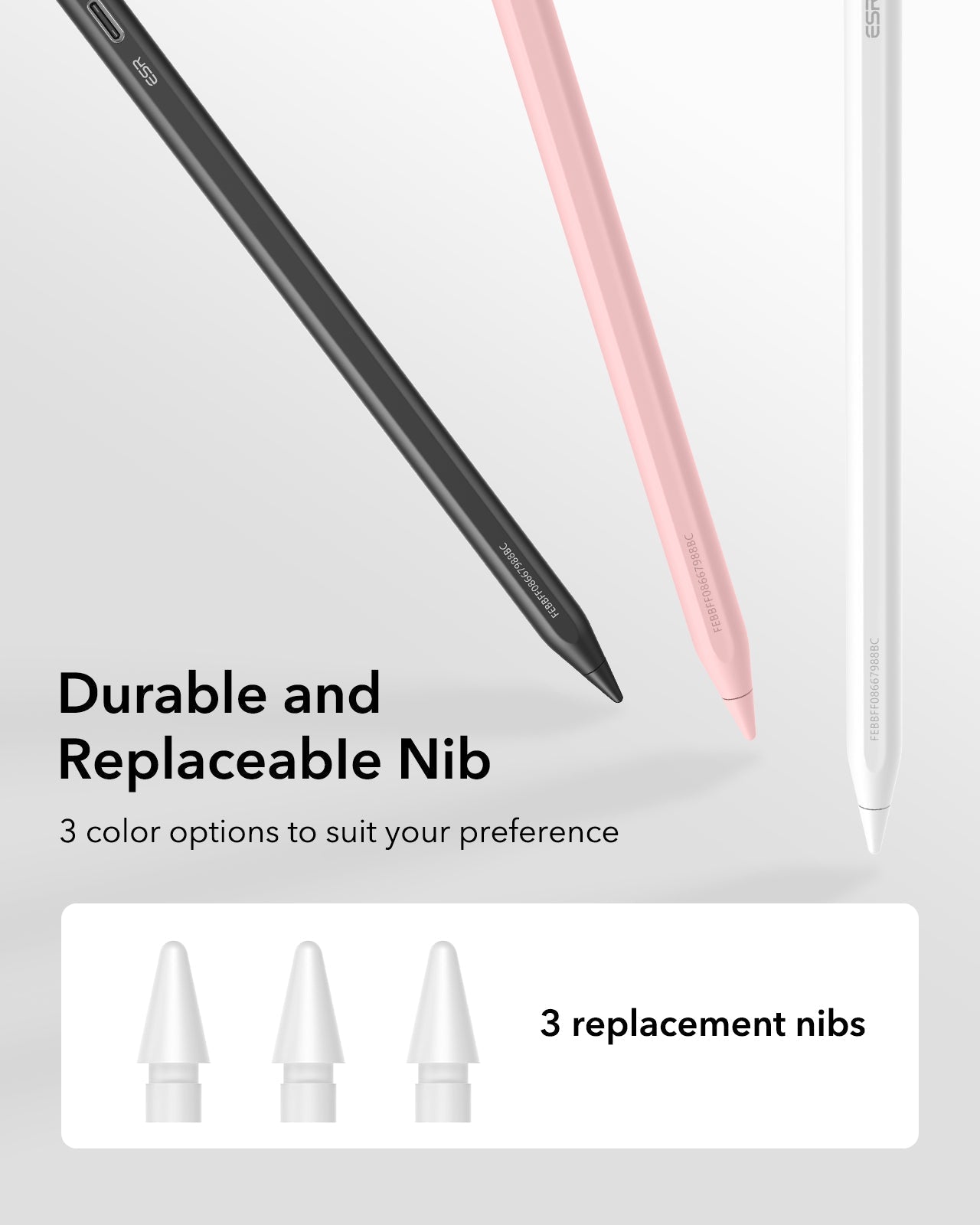
Smooth writing, palm rejection support, shortcut-style tapping, magnetic storage, and interchangeable tips for different writing feels.
Clunky strokes, accidental hand touches, no smart controls, easy to misplace, and tips that wear down with no backup.
-
✓
Your notes feel cleaner instantly: The fine pencil-style tip helps handwriting, diagrams, and edits look sharp on screen.
-
✓
No more awkward hovering: Palm rejection support lets you rest your hand naturally while writing or sketching.
-
✓
Switch tools faster: Shortcut tap control helps you move through your workflow without constantly opening menus.
-
✓
Stays easy to carry: The slim magnetic design attaches neatly to compatible iPads so it feels less likely to disappear in your bag.
-
✓
Ready for long study sessions: Fast-charging support keeps it practical for class notes, digital planning, and creative work.
Use it with your iPad, notes app, and PDF slides to mark up diagrams without messy finger taps.
Pair it with drawing apps for outlines, quick drafts, mood boards, and creative edits.
Use it with digital planners, calendars, and checklists so your tablet feels like a real notebook.
"I was worried it would feel cheap, but I used it for a 2-hour lecture and my notes looked way cleaner than using my finger. The palm rejection made the biggest difference."
✔ Verified Purchase
"My old stylus kept sliding around in my backpack. This one sticks to my iPad case magnetically, and I haven’t had that panic moment of searching my bag before class."
✔ Verified Purchase
"I bought it for digital planning and was nervous about lag. After a week of writing daily lists and editing PDFs, it still feels smooth and the extra tips were a nice bonus."
✔ Verified Purchase
Try NeverLost™ Smart Pencil with your notes, sketches, and daily iPad routine. If it doesn’t make your workflow feel smoother, return it within 30 days, no questions asked, free return label included. Your iPad should feel like a notebook that keeps up with you.
